Why Rootless Android Input Injection is Difficult
Android is engineered with strict sandboxing: regular third-party apps cannot inject mouse movements or keystrokes into other applications.
Rooting (Magisk / KernelSU)
Unlocking your bootloader trips Knox, breaks banking/UPI apps, and voids your warranty.
Accessibility Service
Simulates basic taps, but Android blocks hardware modifier keys (Ctrl, Alt, Meta) and navigation shortcuts.
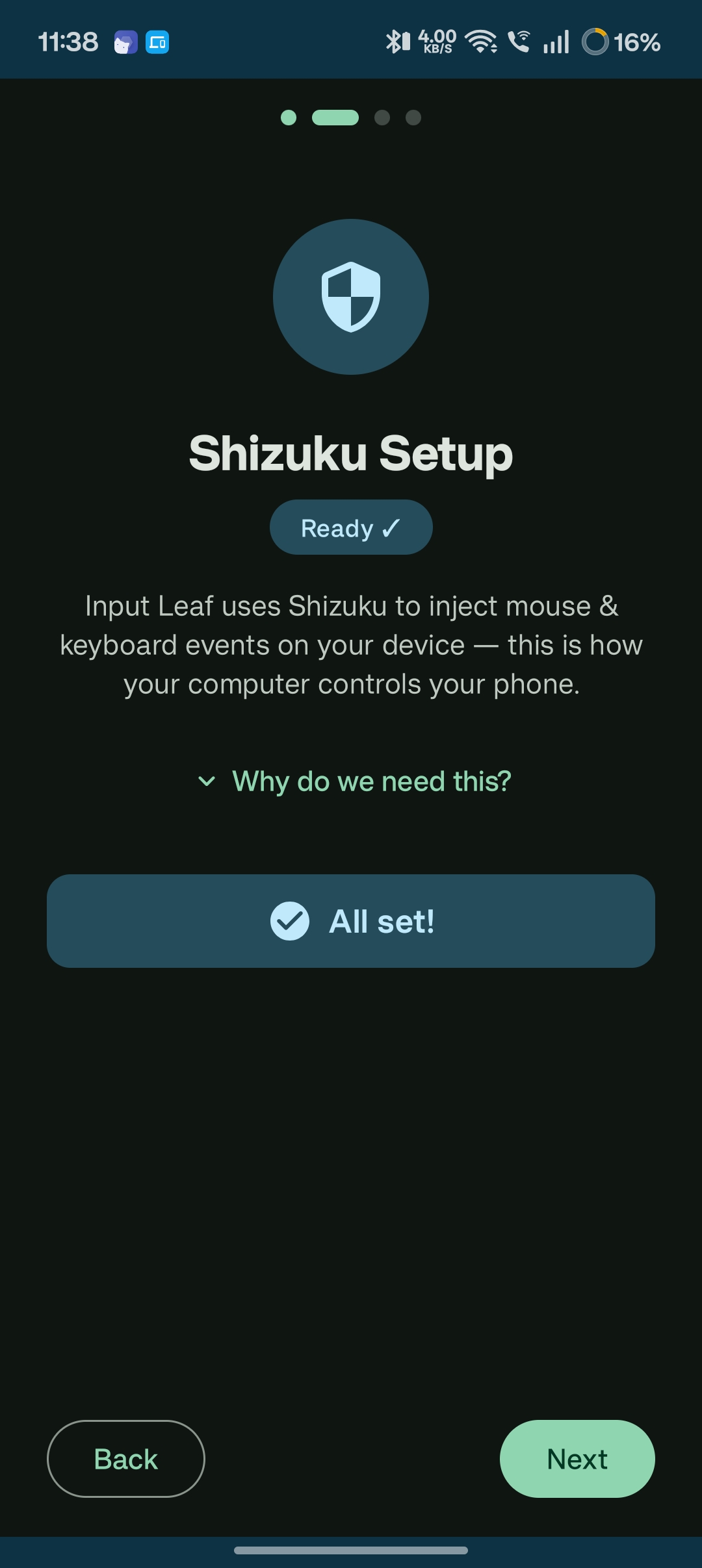
The Modern Solution: Shizuku. By utilizing Android's native developer shell privileges (UID 2000), Shizuku grants Input Leaf permission to call Android's low-level InputManager without root access!
Visual Wireless Debugging Setup (Android 11+)
Pair Shizuku via Wireless Debugging
On Android 11 and newer, activate Shizuku entirely on your phone in under 60 seconds:
- Install Shizuku from Google Play or GitHub.
- Go to Settings → Developer options and toggle on Wireless debugging.
- Tap Pair device with pairing code and enter the 6-digit code into Shizuku's pairing notification.
- Return to Shizuku and tap Start.
- Launch Input Leaf and tap Allow all the time when requested.
Setup for Older Devices via Computer ADB (Android 8 - 10)
If your device runs Android 8, 9, or 10, enable USB Debugging, connect your phone to your PC via USB cable once, and run this command:
adb shell sh /sdcard/Android/data/moe.shizuku.privileged.api/start.shCommon Questions