What is Input Leaf for Input Leap?
Input Leap is the leading open-source software KVM switch for desktop computers. It lets you share a single mouse and keyboard across multiple machines by simply moving your cursor off the edge of your screen.
Input Leaf brings the official Input Leap protocol to Android. It is a native client that connects directly to your desktop server over your private Wi-Fi network. No cloud accounts, no cables, and no root permissions required.
Input Leap 3.0+ Server
Windows • macOS • Linux
Input Leaf
Android 8.0 through Android 15+
Visual Server Grid Configuration
In your desktop Input Leap server window, configure your screen layout by positioning the Android device adjacent to your computer monitor:
Setup note: Drag the phone around the server. The screen name in your PC grid (input-leaf) must match the client name in the Input Leaf Android app exactly.
Connecting Input Leaf to Input Leap
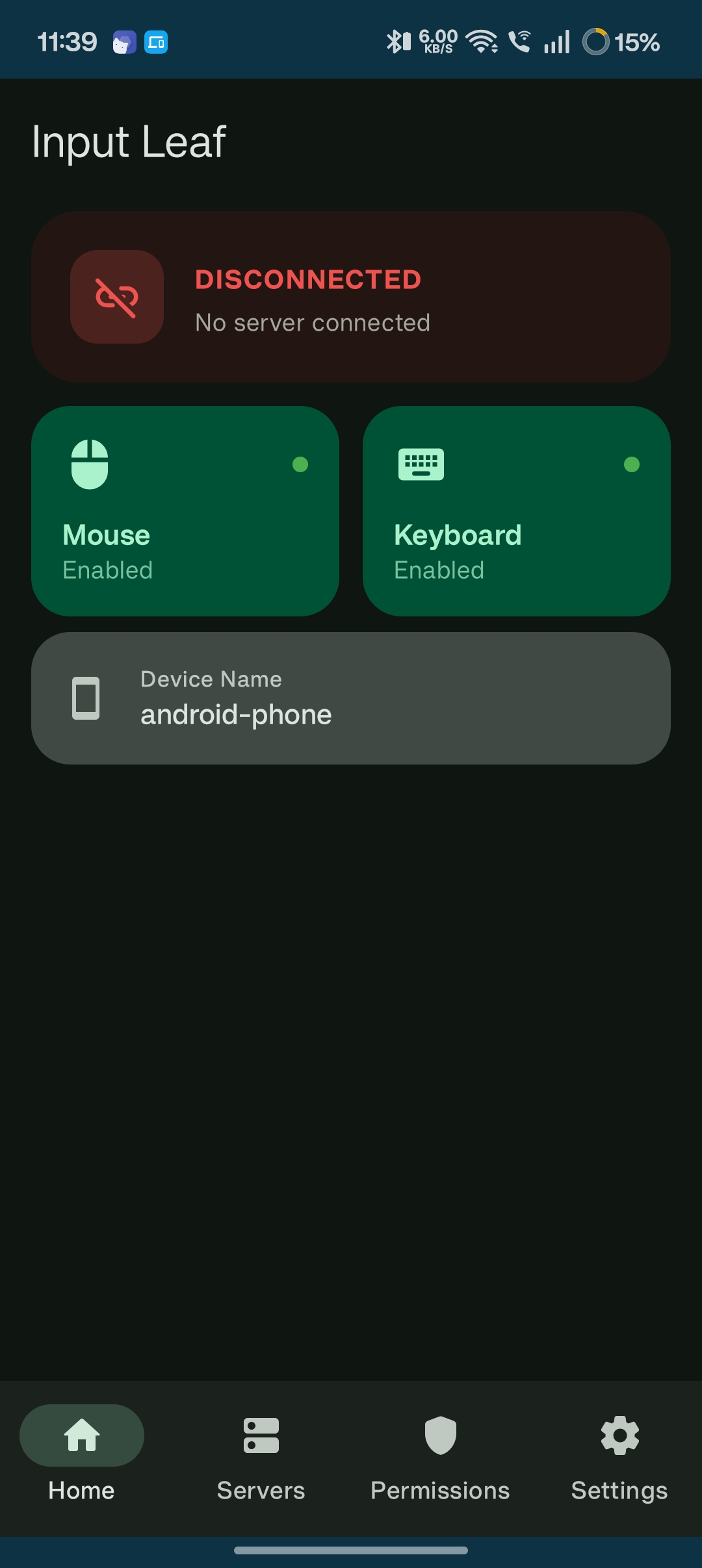
Automatic Local Network Discovery
When you launch Input Leaf, it broadcasts an mDNS discovery probe on your local subnet:
- Your computer's Input Leap server appears immediately under Discovered Servers.
- Tap to connect, or enter your PC's IP address manually if your Wi-Fi router blocks multicast discovery.
- Trust-On-First-Use (TOFU): Verify the server's SHA-256 certificate fingerprint for end-to-end encrypted input transmission.
Low-Latency Hardware Shortcut Injection
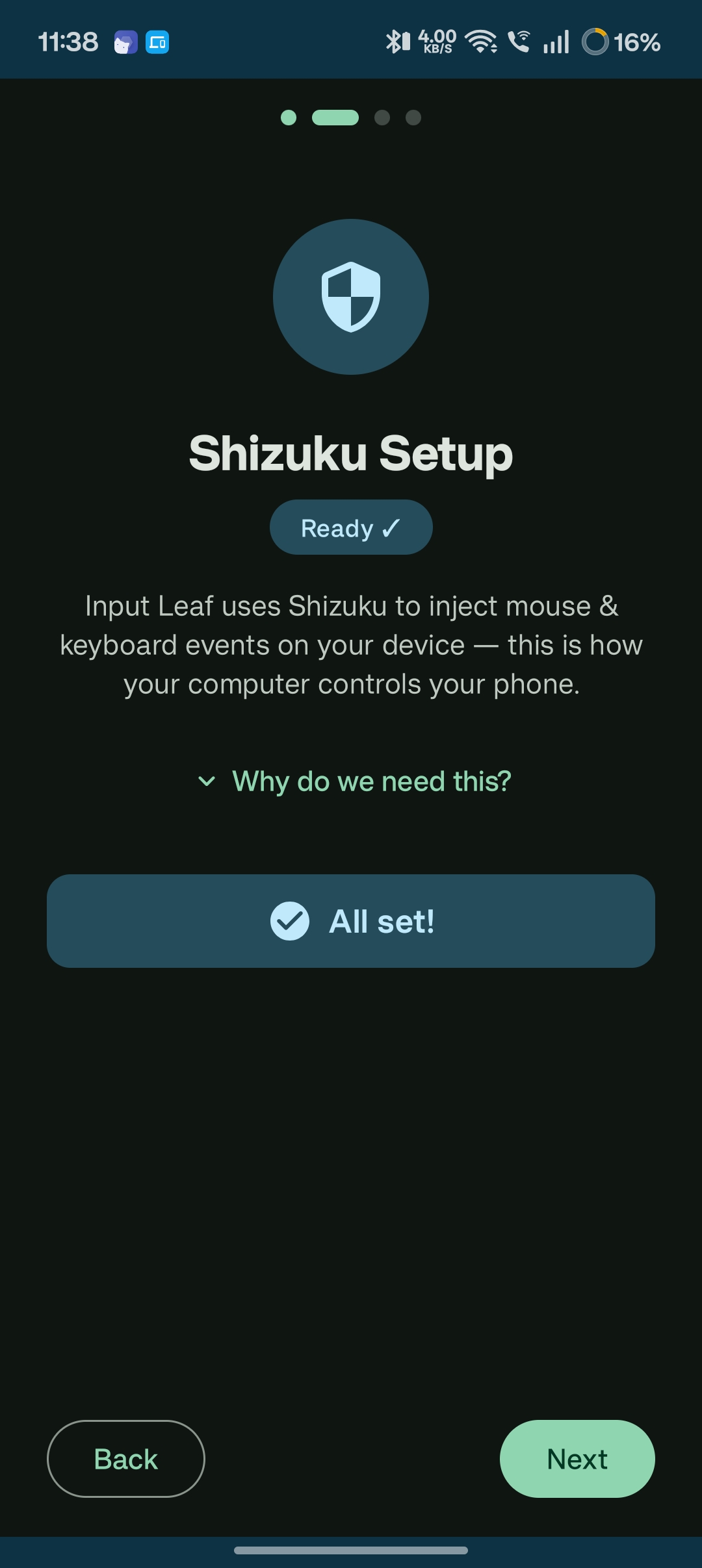
Pairing Input Leap with Shizuku unlocks a true physical desktop peripheral experience on Android:
- Hardware Keyboard Shortcuts: Full support for Ctrl+A, Ctrl+C, Ctrl+V, Alt+Tab, and navigation keys.
- Precision Mouse Tracking: Fluid, sub-5 millisecond cursor updates matching your phone's native display refresh rate.
- Zero Root Required: Operates safely using Android's built-in developer shell capabilities.
Common Questions