
Desktop Integration
Input Leap Android Client
Companion client for Input Leap v3.0.2+. Move your cursor between Windows, macOS, or Linux and Android effortlessly.
Input Leap Guide →Demo
Input Leaf relies on Input Leap on your PC. Same Wi‑Fi: move past the screen edge and control continues on Android.
 Input LeafListening on Wi‑FiLinked to PC
Craft
Quiet reliability so edge-crossing feels inevitable, not fragile.
Scan your LAN for Input Leap hosts, or connect by IP in one tap.
Pin the machines you use every day for one-tap reconnect.
Network blips recover with exponential backoff so sessions stay alive.
Certificate pinning keeps the Input Leap link intentional and encrypted.
A built-in wizard walks through permissions and input methods.
Visual Experience
Move your cursor effortlessly between your primary computer display and your phone. No cables, no video compression lag, and zero root required.
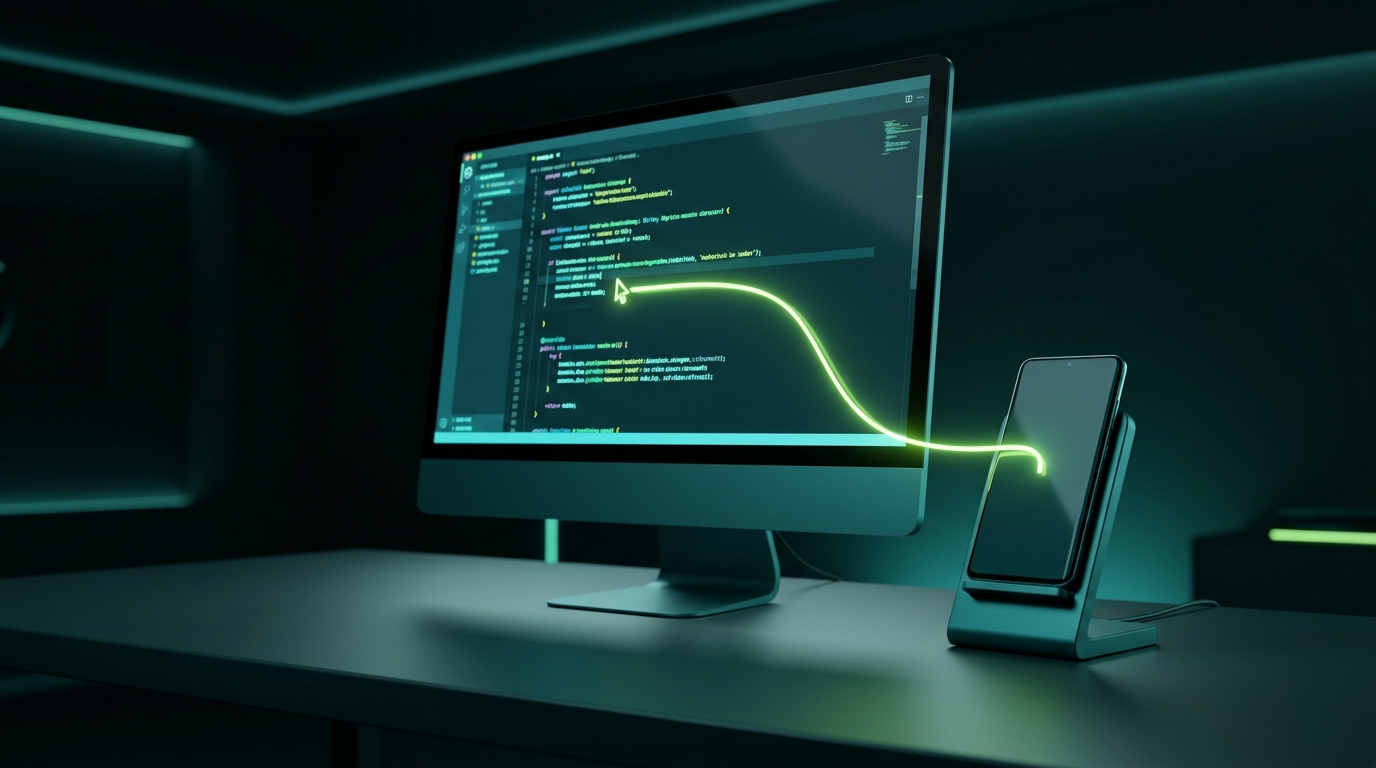
Want to showcase your personal multi-monitor desk setup or screen recording? Drop an MP4 or WebM video into public/videos/demo.mp4 or add device screenshots into public/screens/ to stream live playback right here.
Inside the app
Real screenshots from the phone. Tap a thumbnail or use the arrows: the label below stays put while the carousel moves.
Dedicated Documentation
Whether configuring Input Leap on Windows, connecting to Deskflow on Linux, or setting up wireless Shizuku on Android 15, explore our focused walkthroughs:
Companion client for Input Leap v3.0.2+. Move your cursor between Windows, macOS, or Linux and Android effortlessly.
Input Leap Guide →Native Android endpoint for Deskflow setups. Clean configuration, low-latency pointer translation, and instant reconnect.
Deskflow Guide →Type WhatsApp messages, notes, and emails directly on your phone using your computer mechanical keyboard and mouse.
Productivity Guide →Inject system-level HID events via Android wireless debugging. Unlocks native Alt+Tab, Meta keys, and middle mouse click.
Shizuku Setup Guide →Compare zero-latency direct KVM against battery-draining screen mirroring like scrcpy or clunky Bluetooth multi-pairing.
Compare Solutions →Step-by-step solutions for port 24800 firewall blocks, cursor lag, mobile hotspot pairing, and OEM battery sleep exceptions.
Troubleshooting Solutions →