Download Input Leaf APK
Download the latest signed release for Android. Free and open-source under Apache 2.0. No cloud servers, no accounts, and no telemetry.
Universal APK
Compatible with all phone, tablet, foldable, and Chromebook architectures.
Download Universal APK (Latest)
Choose by Device Architecture
arm64-v8a
Optimized for 64-bit ARM processors found in Samsung Galaxy, Google Pixel, OnePlus, Xiaomi, and virtually all phones released since 2017.
armeabi-v7a
For older 32-bit Android phones and low-cost tablets running Android 8 through 10.
x86_64
Built for Android-x86 installations, Android Studio emulators, and Intel-powered Chromebooks with Android app support.
Universal
Bundles native libraries for all architectures. Works universally across every supported device.
Visual Installation Walkthrough
Installing and configuring Input Leaf takes under a minute:
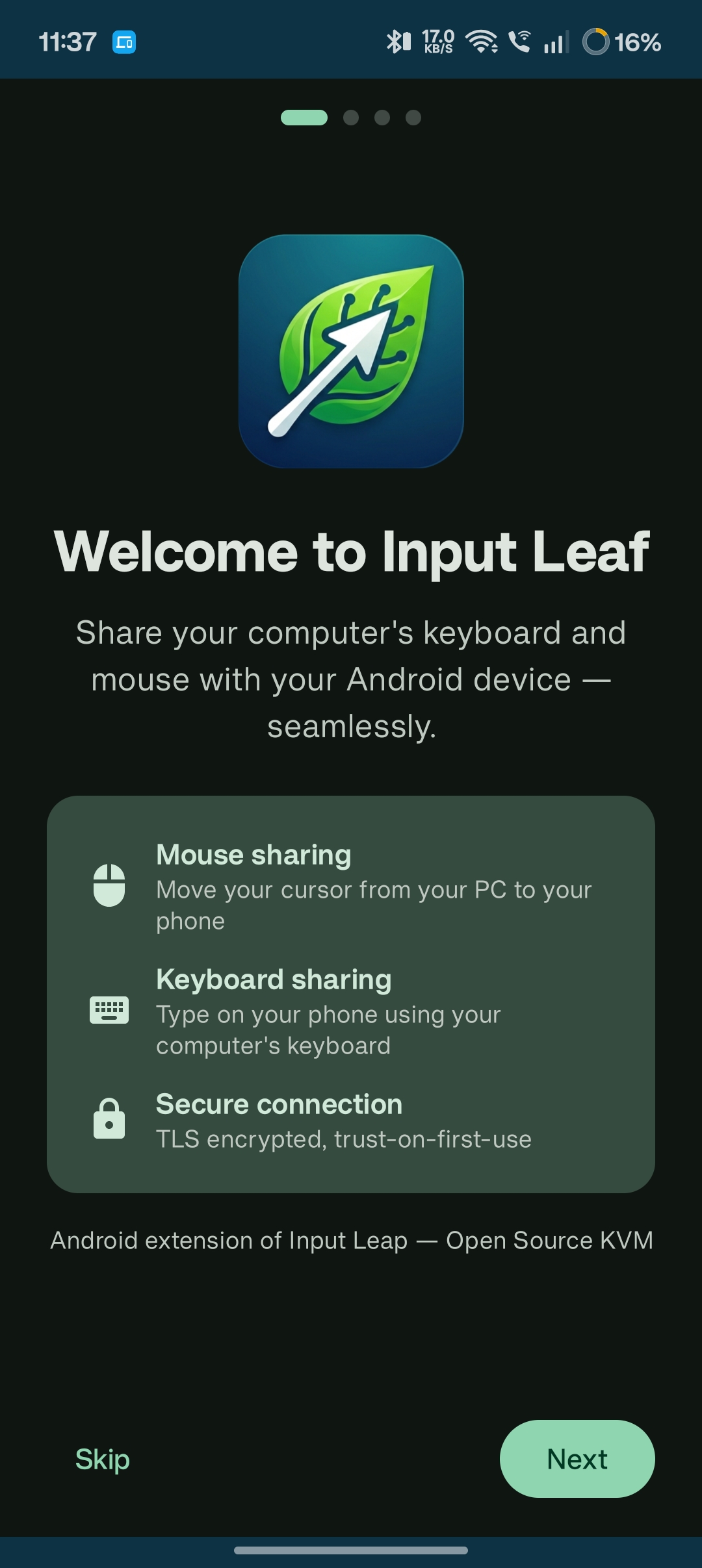
Download and Allow Unknown Apps
Download the APK file directly in Chrome or your mobile browser. When prompted, tap Settings and enable Allow from this source to complete the installation.
Input Leaf is distributed directly through GitHub Releases as open-source software, free of third-party store bloat.
Grant Overlay & Input Permissions
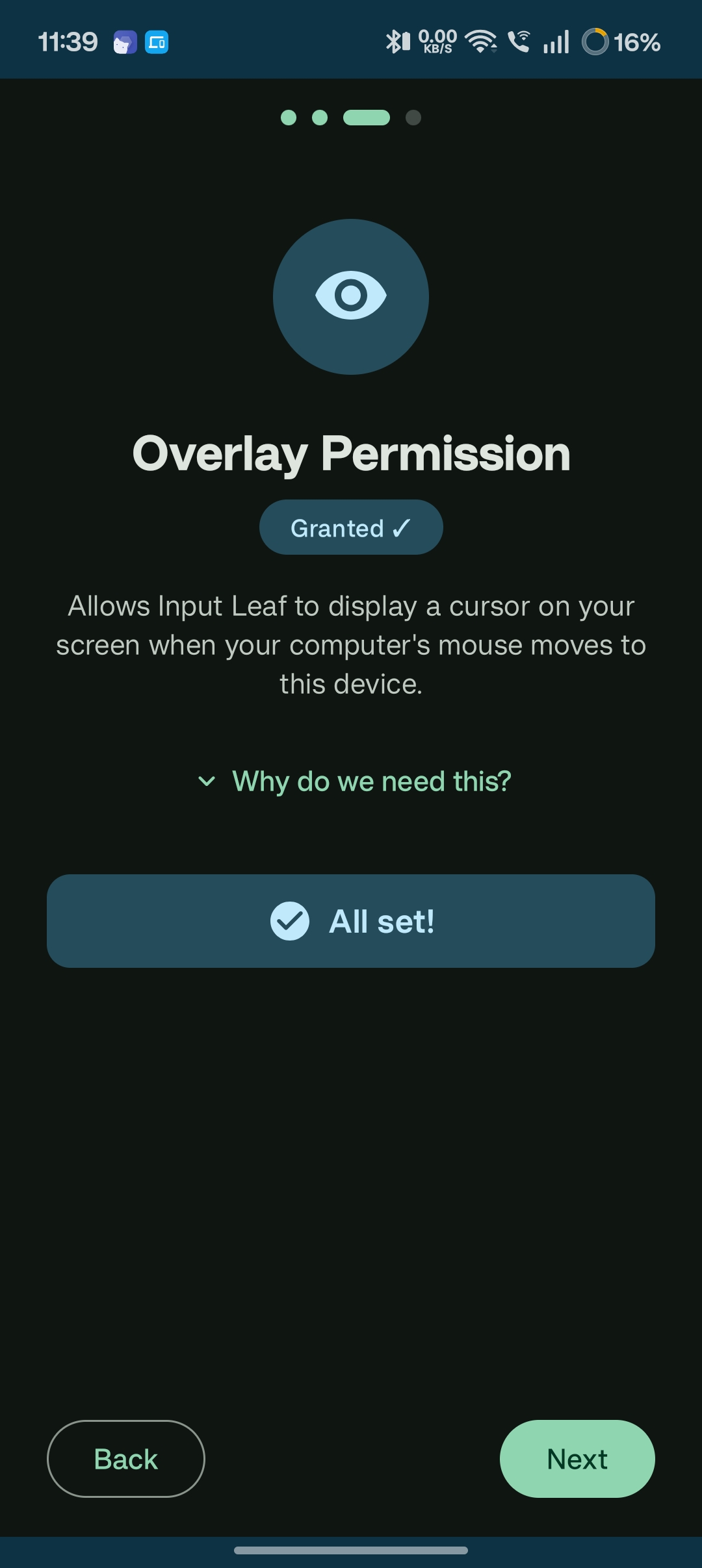
Open Input Leaf. The onboarding wizard will prompt you for the Display Over Other Apps permission:
- This allows Input Leaf to draw the virtual mouse cursor across your home screen and any third-party apps.
- Next, choose either Shizuku (for full shortcut support) or Accessibility.
Verifying Package Integrity (SHA-256)
To ensure your download has not been modified, compare the SHA-256 checksum in your terminal against our GitHub release notes:
# Linux / macOS
sha256sum input-leaf-universal-release.apk

# Windows PowerShell
Get-FileHash input-leaf-universal-release.apk -Algorithm SHA256
Common Questions