Mouse and Keyboard Sharing with Deskflow on Android
Deskflow is a modern, high-performance software KVM application designed for multi-computer setups. With Input Leaf, you can extend your Deskflow workspace to include any Android smartphone, tablet, or foldable screen.
Instead of reaching over to tap your phone screen or waiting for slow Bluetooth multi-device switchers, your desktop cursor flows naturally onto your Android device. Type WhatsApp messages, manage notes, or test mobile apps directly using your full-sized mechanical keyboard and precision mouse.
Deskflow Workstation
Windows • macOS • Linux
Input Leaf
Android 8.0 through Android 15+
Visual Deskflow Screen Configuration
In Deskflow's server window, drag a new screen to position your Android device next to your PC monitor:
Setup note: Drag the phone around the server. The screen name in your PC grid (input-leaf) must match the client name in the Input Leaf Android app exactly.
Connecting to Deskflow
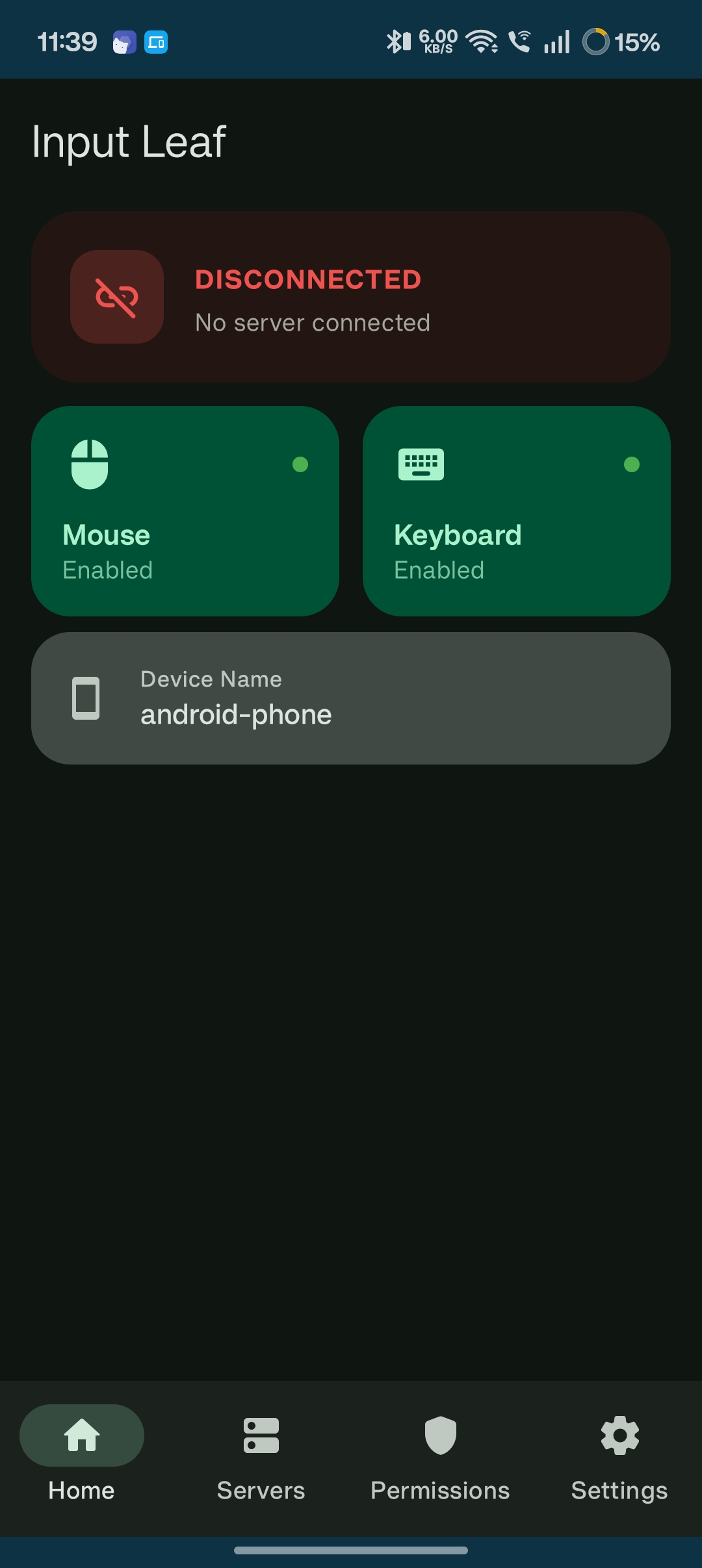
Pairing Input Leaf with Deskflow
Connecting Input Leaf to a Deskflow server is fast and straightforward:
- Launch Deskflow on your primary computer in Server mode.
- Add a screen named
input-leafin the Deskflow grid layout. - Open Input Leaf on Android and tap your Deskflow server from the discovered list.
- Move your cursor off the designated screen edge to transfer control to Android!
Common Questions