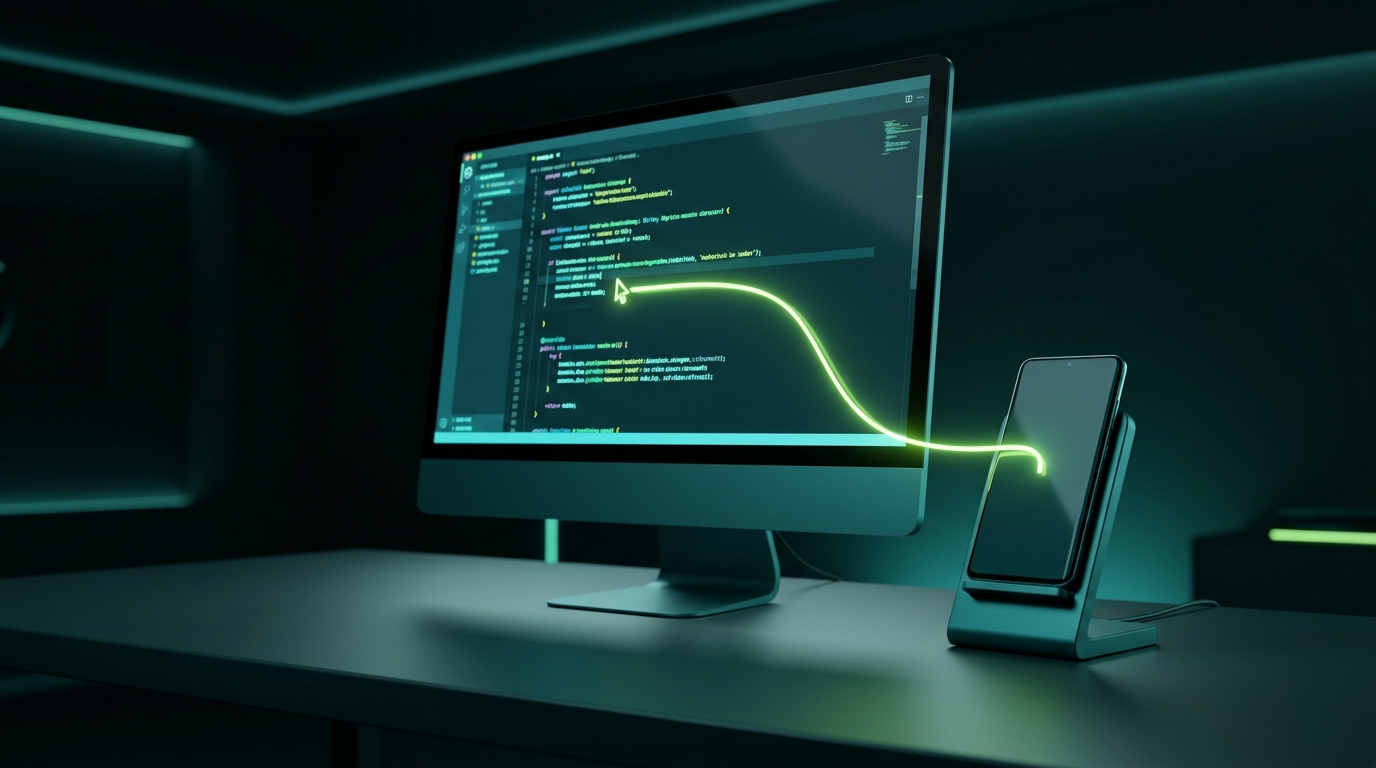
The Multi-Device Productivity Barrier
Throughout your workday, your phone sits on your desk buzzing with two-factor authentication prompts, WhatsApp chats, team alerts, and mobile notifications.
Constantly picking up your phone breaks your mental focus. Traditional alternatives all have frustrating compromises:
Bluetooth Multi-Pairing Switchers
Requires pressing a hardware toggle key and waiting 2 to 4 seconds for Bluetooth to reconnect every single time you switch devices.
USB OTG & Hardware KVMs
Clutters your desk with physical cables, adapters, and external switches that tie your phone down.
Screen Mirroring (Scrcpy / Link to Windows)
Consumes heavy PC GPU/CPU to decode video streams and takes up valuable desktop monitor real estate.
Pure Software KVM Over Wi-Fi
Your phone serves as its own standalone display on your desk. Gliding your cursor off your monitor edge seamlessly transitions control in under 2ms.
Visual Workflow Walkthrough
Instant Messaging & Two-Factor Auth
Keep your phone on a charging stand beside your monitor. When a WhatsApp, Signal, or SMS message arrives:
- Simply move your mouse cursor past your right monitor edge.
- The leaf pointer instantly appears on your phone screen.
- Click into the text field and reply using your full-sized mechanical keyboard.
- Move the mouse back left to resume your desktop work without ever touching your phone.
Fine-Tune Sensitivity for High-DPI Screens
Phones often pack dense 1080p, 1440p, or 4K resolution into small 6-inch screens:
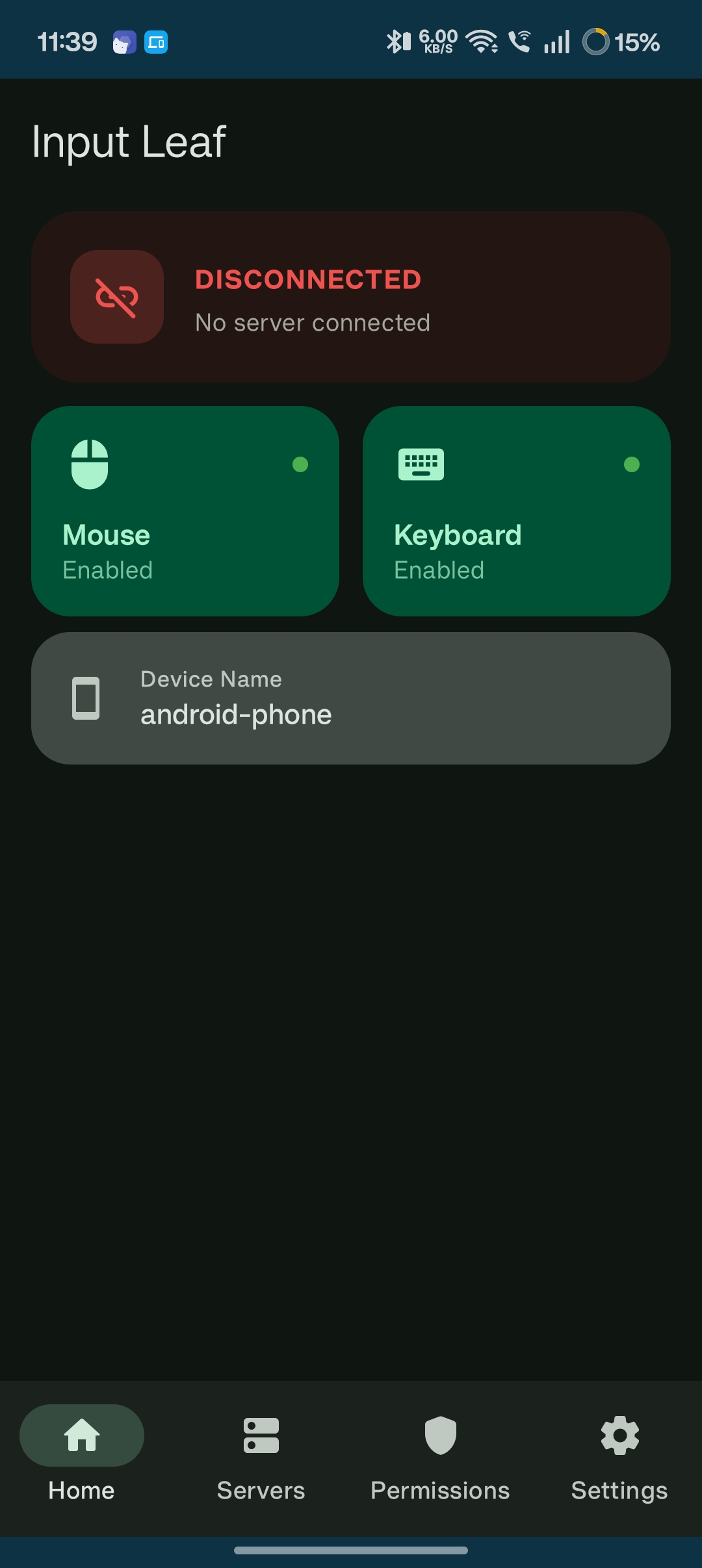
- Input Leaf includes customizable pointer speed calibration.
- Enable smooth acceleration curves so long sweeping moves cross the screen quickly while small movements allow pixel-perfect precision.
Common Questions