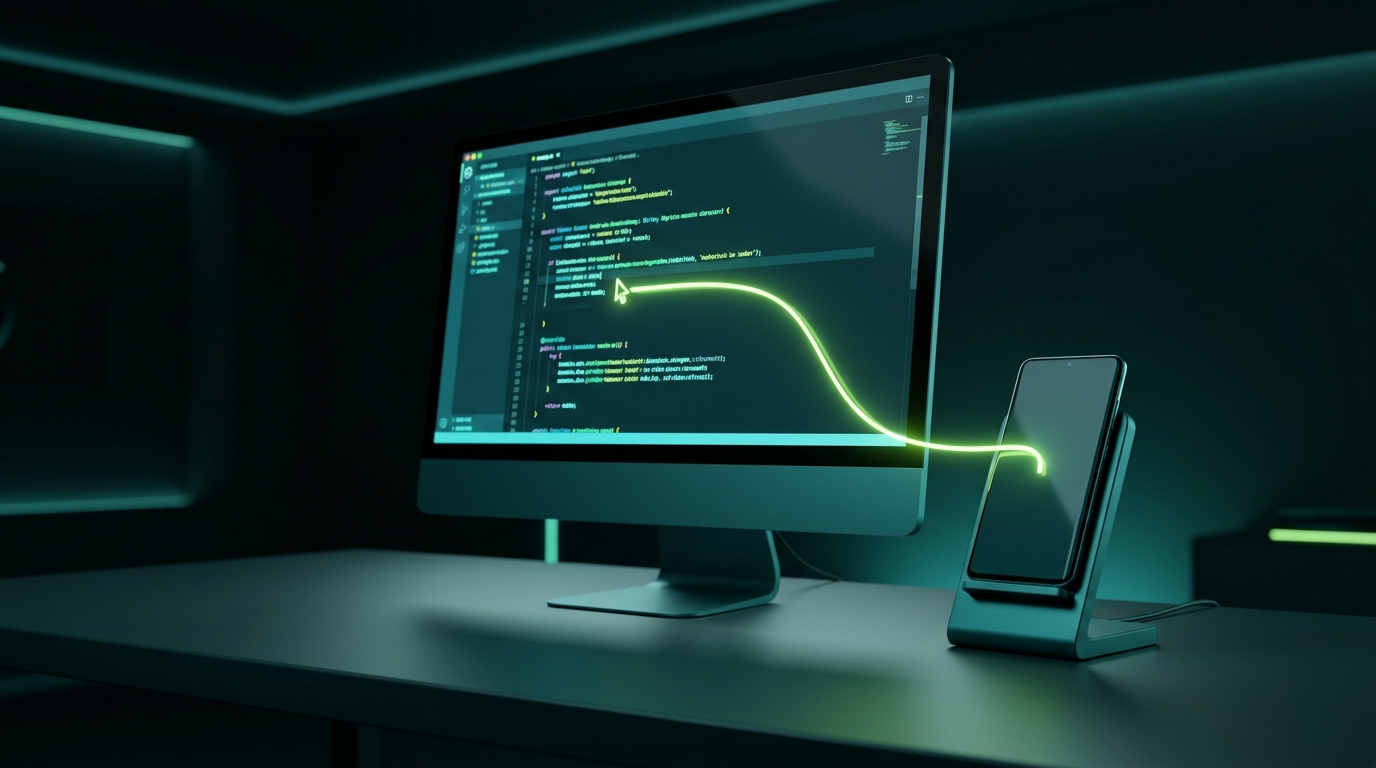
Comparing Ways to Use PC Mouse & Keyboard on Android
There are multiple ways to control an Android phone with computer peripherals. Here is how software KVM compares to traditional methods:
Input Leaf (Software KVM)
Zero Friction Wireless
- Switching Speed: Instantaneous (move mouse across screen edge)
- Cables: Zero (runs over local Wi-Fi / LAN)
- PC Monitor: Preserved (phone acts as its own screen)
- Cost: 100% Free & Open Source
Bluetooth Multi-Device Switcher
Hardware Peripherals
- Switching Speed: 2 to 4 seconds delay per switch button
- Limitation: Takes keyboard away from PC entirely while typing on phone
- Cost: Requires purchasing specialized multi-channel hardware
Screen Mirroring (e.g. Scrcpy)
Video Streaming Over USB/Wi-Fi
- Drawback: Consumes significant PC GPU/CPU to decode video
- Monitor Space: Takes up valuable desktop screen real estate
- Battery: Heats up phone due to continuous video encoding
Hardware USB OTG Switch
Physical Cable Switchers
- Drawback: Cable clutter on desk, extra dongles, physical push buttons
- Limitation: Only one device can use mouse/keyboard at any time
Get Started in Minutes
Ready to experience seamless PC mouse and keyboard control on your Android device?
- Download the Input Leaf APK on your Android phone or tablet.
- Install Input Leap or Deskflow on your computer.
- Follow our simple Step-by-Step Setup Guide.
Common Questions
PC Mouse and Keyboard on Android FAQ
Yes! As long as your phone runs Android 8.0 or newer and connects to the same local Wi-Fi or Ethernet network as your computer, Input Leaf will render the mouse cursor and translate your computer mouse movement into native Android interactions.
Yes, the mouse scroll wheel is fully supported for smooth vertical and horizontal scrolling across web pages, feeds, document readers, and chat apps on Android.
Absolutely. Because your keyboard remains plugged directly into your primary computer, you retain the exact feel, custom keycaps, macros, and RGB lighting of your preferred mechanical keyboard while typing into Android.
No. Unlike screen mirroring which constantly encodes and decodes full 60fps/120fps video streams, Input Leaf transmits only minute network packets containing coordinate deltas and keycodes. CPU and battery impact is negligible.
Yes. Input Leaf automatically detects device orientation changes and dynamically recalibrates cursor coordinates so movement remains intuitive whether your device is upright or horizontal.